
What Is Book Metadata and Why It Determines Whether Your Book Gets Found on Amazon in 2024
Book metadata is the structured information about your book that helps readers and retailers discover it. It matters profoundly because on platforms like Amazon, metadata acts as the digital DNA of your book, directly influencing its visibility, search ranking, and ultimately, its sales potential by connecting it with the right audience.

This article contains Amazon affiliate links. If you purchase through them, Taciturn Studios earns a small commission at no extra cost to you.
What Is Book Metadata and Why It Determines Whether Your Book Gets Found on Amazon in 2024
Book metadata is the structured information about your book that helps readers and retailers discover it. This includes everything from your title, author name, and ISBN to your book's description, keywords, categories, and cover image. It matters profoundly because on platforms like Amazon, metadata acts as the digital DNA of your book, directly influencing its visibility, search ranking, and ultimately, its sales potential by connecting it with the right audience.
Table of Contents
- The Invisible Hand: Understanding Book Metadata's Core Role
- Crafting Your Book's Digital Identity: Essential Metadata Elements
- Mastering Amazon Book SEO: Keywords That Convert
- Navigating Amazon Book Categories: Guiding Readers to Your Niche
- Advanced Metadata Strategies for Indie Authors
- The Ongoing Process: Maintaining and Updating Your Metadata
The Invisible Hand: Understanding Book Metadata's Core Role
For indie authors, the dream is often to write a great book, hit publish, and watch the sales roll in. The reality, however, is that even the most brilliant stories can languish in obscurity if they aren't properly presented to the world. This is where book metadata steps in, acting as the silent, invisible hand that guides readers directly to your work. Without a robust understanding and strategic application of metadata, your book is essentially a needle in a haystack, waiting for a lucky stumble rather than a targeted search.
Beyond the Cover: Defining Book Metadata for Indie Authors
While the cover and the blurb are often what first catch a reader's eye, book metadata encompasses all the structured data points that describe your book. Think of it as your book's digital identity card, containing crucial information that both humans and algorithms use to understand what your book is about, who it's for, and where it fits into the vast literary landscape.
This isn't just about the obvious elements like title and author. It includes the nitty-gritty details that often go overlooked: publication date, publisher, language, edition, page count, series information, contributors, and crucial identifiers like ISBN and ASIN. For indie authors publishing through platforms like Amazon KDP, the most impactful metadata elements you directly control are your keywords and categories. These are the levers you pull to influence search results and discoverability.
The Amazon Algorithm: How Metadata Fuels Discoverability
Amazon's ecosystem is a behemoth, processing millions of searches daily. Its primary goal is to connect buyers with products they want, and for books, that means matching readers with stories and information that resonate. The Amazon algorithm, a complex system of artificial intelligence and machine learning, relies heavily on your book's metadata to make these connections.
When a reader types a query into the Amazon search bar, the algorithm doesn't just look for exact matches in titles. It analyzes your keywords, categories, description, and even reviews to determine relevance. A well-optimized set of metadata tells Amazon precisely what your book is about, allowing it to surface your title for relevant searches. Conversely, sparse or poorly chosen metadata leaves the algorithm guessing, often resulting in your book being buried deep in search results or, worse, appearing in irrelevant searches where it won't convert. It's about providing Amazon with the clearest possible signal to ensure your book gets seen by the right people.
The Cost of Neglect: Why Poor Metadata Kills Sales
Many indie authors pour their heart and soul into writing and editing, only to rush through the metadata section during publication. This is a critical mistake. Neglecting your metadata is akin to opening a beautiful bookstore in a hidden alley with no signs or directions. People might eventually find it, but it will be by accident, not by design.
Poor metadata leads to:
- Low Visibility: Your book won't rank for relevant search terms, making it invisible to potential readers.
- Mis-categorization: Your book might end up in categories where it doesn't belong, attracting uninterested readers and leading to poor sales performance.
- Missed Opportunities: You lose out on Amazon's powerful recommendation engine, which often suggests books based on what readers have previously viewed or purchased.
- Lower Conversion Rates: Even if a reader stumbles upon your book, a weak description or irrelevant keywords might deter them from making a purchase.
- Wasted Marketing Efforts: All the money and time you spend on ads or promotions will be less effective if your book's core information isn't optimized to convert.
In essence, poor metadata means your book is fighting an uphill battle for attention. It's a foundational element of your book's marketing strategy that deserves as much attention as the writing itself.
Crafting Your Book's Digital Identity: Essential Metadata Elements
Every piece of information you provide about your book contributes to its digital identity. Some elements are more obvious, like the title, while others, like the ISBN, are backend necessities. Understanding and meticulously crafting each of these elements is crucial for maximizing your book's discoverability and appeal on Amazon.
The Power of Your Title and Subtitle: More Than Just a Name
Your title is the first hook, but your subtitle is often the silent salesperson, especially for non-fiction. For fiction, a compelling title draws readers in. For non-fiction, a clear, keyword-rich subtitle can be a powerful SEO tool.
- Title: Should be memorable, intriguing, and genre-appropriate. Avoid overly long titles that get truncated.
- Subtitle: For non-fiction, use this space to explain what your book is about, who it's for, and what problem it solves. Incorporate relevant keywords that readers might use to search for your topic. For fiction, a subtitle can sometimes be used to indicate a series name or a thematic element if the main title is short.
Example: Instead of "Gardening Tips," consider "The Urban Gardener's Handbook: Cultivate a Thriving Edible Garden in Small Spaces." The subtitle immediately tells the reader what the book offers and includes keywords like "urban gardener," "edible garden," and "small spaces."
Author Name and Contributor Roles: Building Your Brand
Your author name is your brand. Consistency is key across all platforms. If you use a pen name, ensure it's consistently applied. Beyond your primary author name, KDP allows you to list other contributors (e.g., illustrator, editor, narrator). While these might not directly impact search as much as keywords, they add professionalism and completeness to your book's profile.
- Consistency: Use the exact same author name on all your books and author profiles (Amazon Author Central, Goodreads, your website).
- Author Central: Claim your author page on Amazon Author Central. This allows you to add a bio, photos, blog feeds, and link all your books, creating a central hub for your brand. This is a critical, yet often overlooked, piece of metadata that directly influences reader trust and discoverability.
ISBN and ASIN: Your Book's Unique Identifiers
These alphanumeric codes are your book's unique fingerprints in the publishing world.
- ISBN (International Standard Book Number): A 13-digit number that identifies a book's edition and format. If you're publishing an ebook, paperback, and hardcover, each will need a separate ISBN. While KDP offers a free ASIN (Amazon Standard Identification Number) for ebooks and free ISBNs for paperbacks, many indie authors choose to purchase their own ISBNs (from Bowker in the US) for greater control and to indicate themselves as the publisher.
- ASIN (Amazon Standard Identification Number): A 10-character alphanumeric identifier for products on Amazon. Every book listed on Amazon gets an ASIN, even if it also has an ISBN. For ebooks, the ASIN is the primary identifier on Amazon.
While readers don't typically search by ISBN or ASIN, these identifiers are crucial for Amazon's internal systems to manage your book, link different formats, and track sales data.
The Book Description (Blurb): Your Sales Pitch on Steroids
The book description is arguably the most critical piece of metadata for converting browsers into buyers. It's your opportunity to hook the reader, explain what your book is about, and compel them to click "Buy Now."
- Hook: Start with a strong opening sentence or two that grabs attention.
- Conflict/Intrigue: For fiction, introduce the main character, their goal, and the obstacles they face. For non-fiction, state the problem your book solves.
- Stakes: What happens if the protagonist fails? What will the reader gain if they read your non-fiction book?
- Call to Action (Implied): End with a compelling question or statement that encourages purchase.
- Keywords: Naturally weave in relevant keywords that you've identified through research. Don't keyword stuff, but ensure your description uses the language your target readers use.
- Formatting: Use HTML tags (bold, italics, bullet points, paragraph breaks) to make your description easy to read and visually appealing. A wall of text is a conversion killer.
📚 Recommended Resource: Strangers to Superfans: A Marketing Guide for Authors by David Gaughran This book offers invaluable insights into author marketing, including how to craft compelling book descriptions and leverage metadata effectively to attract and convert readers. [Amazon link: https://www.amazon.com/dp/1948080079?tag=seperts-20]
Cover Image: The First Impression That Lasts
While not strictly "textual" metadata, your book cover is perhaps the most powerful visual piece of metadata. It communicates genre, tone, and professionalism in an instant. Amazon's algorithm doesn't "read" your cover, but readers certainly do, and their click-through rate (CTR) is a strong signal to the algorithm about your book's appeal.
- Professionalism: Invest in a professionally designed cover. A DIY cover, no matter how well-intentioned, often screams "indie" in a negative way.
- Genre-Appropriate: Your cover must immediately convey your book's genre. A romance cover should look like a romance, a thriller like a thriller, etc.
- Thumbnail Impact: Ensure your cover looks good as a small thumbnail image, as this is how most readers will first encounter it on Amazon.
- Readability: The title and author name should be clear and legible, even at small sizes.
A great cover makes your other metadata elements, like your description and keywords, far more effective because it gets readers to stop scrolling and actually look at your listing.
Mastering Amazon Book SEO: Keywords That Convert
If metadata is your book's digital DNA, then keywords are the specific genes that determine its traits for search engines. On Amazon, mastering book SEO (Search Engine Optimization) through strategic keyword selection is paramount. This isn't just about stuffing your listing with popular terms; it's about understanding what your target readers are typing into the search bar and then providing Amazon with those exact signals.
Understanding KDP Keywords: Your Seven Secret Weapons
Amazon KDP provides seven dedicated keyword fields for your book. These are distinct from the keywords you might naturally weave into your book description. These seven fields are direct instructions to Amazon's algorithm, telling it precisely what terms your book should rank for.
- Purpose: These fields are designed to capture search terms that might not appear in your title, subtitle, or description, or to reinforce highly important terms.
- Specificity: Use specific, targeted phrases rather than single words. "fantasy adventure" is better than "fantasy." "cozy mystery small town" is better than "mystery."
- Combinations: Amazon often combines keywords from these fields, so you don't need to repeat words. For example, if you have "cozy mystery" in one field and "small town" in another, Amazon understands "cozy mystery small town."
- Avoid Redundancy: Don't repeat keywords already present in your title or subtitle, as Amazon already indexes those. Use these fields for new search terms.
- Think Like a Reader: What would you type into Amazon if you were looking for a book like yours?
Keyword Research Strategies: Finding What Readers Search For
Effective keyword research is the bedrock of Amazon book SEO. It's not guesswork; it's data-driven.
✅ Brainstorming: Start with a list of terms you think describe your book. Think about genre, subgenre, themes, settings, character types, tropes, and target audience. ✅ Amazon Search Bar Suggestions: Type your initial brainstormed terms into Amazon's search bar and observe the autocomplete suggestions. These are real search queries. ✅ Competitor Analysis: Look at the "Customers who bought this item also bought" section on competitor book pages. Analyze their descriptions and reviews for common themes and keywords. ✅ Category Exploration: Browse relevant categories on Amazon and note the language used in top-selling books' titles, subtitles, and descriptions. ✅ Tools (Optional but Recommended): While not strictly metadata entry, tools like Publisher Rocket (paid) or even free browser extensions can help analyze keyword competition and search volume directly on Amazon. These tools provide insights into what readers are actively searching for and how many books are competing for those terms. ✅ Reader Reviews: Pay attention to the language readers use in reviews of similar books. How do they describe the book, its themes, and its appeal? This is invaluable "voice of customer" data.
Long-Tail Keywords vs. Short-Tail Keywords: A Balanced Approach
Understanding the difference between these two types of keywords is crucial for a balanced strategy.
| Feature | Short-Tail Keywords | Long-Tail Keywords |
|---|---|---|
| Length | 1-2 words | 3+ words, often a phrase or question |
| Specificity | Broad, general | Highly specific, niche |
| Search Volume | High | Lower |
| Competition | Very High | Lower |
| Conversion | Lower (reader might be browsing) | Higher (reader knows what they want) |
| Example | "fantasy," "thriller," "romance" | "epic fantasy dragons magic," "psychological thriller twists," "historical romance regency duke" |
Strategy:
- Use a mix: While short-tail keywords have high search volume, they also have immense competition. It's tough to rank for "fantasy."
- Prioritize long-tail: Focus heavily on long-tail keywords in your seven KDP fields. These attract readers who are further along in their buying journey and know what they're looking for, leading to higher conversion rates.
- Leverage short-tail in description/title: Short-tail keywords can naturally appear in your title, subtitle, and description, where Amazon will pick them up. Use the KDP fields for the more specific, less obvious long-tail terms.
Monitoring and Optimizing Keywords: It's Not a One-Time Task
Keyword optimization is an ongoing process, not a set-it-and-forget-it task. The market changes, trends shift, and new competitors emerge.
- Regular Review: Set a reminder to review your keywords every 3-6 months.
- Track Performance: While Amazon doesn't give direct keyword performance data, you can infer. Are your sales stagnant? Are you getting impressions but no clicks? This might indicate a keyword issue.
- A/B Testing (Implicit): If a book isn't performing, try swapping out a few keywords for new ones and monitor the results over a few weeks.
- Stay Current: Pay attention to new subgenres or popular tropes emerging in your niche. Update your keywords to reflect these trends.
📚 Recommended Resource: Your First 10,000 Readers: How to Build a Fanbase That Buys Your Books by Nick Stephenson This book delves into strategies for building an author platform and attracting readers, which inherently relies on understanding how readers discover books—a process heavily influenced by effective keyword usage. [Amazon link: https://www.amazon.com/dp/1733028609?tag=seperts-20]
Navigating Amazon Book Categories: Guiding Readers to Your Niche
Beyond keywords, book categories are another critical metadata element that dictates where your book appears on Amazon's virtual shelves. Choosing the right categories is less about direct search and more about discoverability through browsing and Amazon's recommendation engine. It's how readers stumble upon your book when they're exploring a specific genre or topic.
The Importance of BISAC and Amazon Browse Categories
When you publish on KDP, you'll typically select two main categories. These are often mapped from industry-standard BISAC (Book Industry Standards and Communications) codes, which are hierarchical classifications. Amazon then translates these into its own "browse categories" that readers see on the website.
- BISAC Codes: These are detailed, multi-level categories (e.g., FIC027020 for FICTION / Romance / Contemporary). They provide a precise way to classify your book within the broader publishing industry.
- Amazon Browse Categories: These are the user-facing categories (e.g., Kindle Store > Kindle eBooks > Romance > Contemporary). Amazon uses your selected BISAC codes to place your book into these browse paths.
The goal is to select categories that are specific enough to narrow down your target audience but broad enough to have a decent number of readers browsing them.
Choosing the Right Categories: Specificity Sells
Many authors make the mistake of choosing overly broad categories, thinking it will expose their book to more readers. In reality, this often leads to your book getting lost in a sea of millions. Specificity is key.
Comparison Table: Broad vs. Specific Categories
| Feature | Broad Category Example | Specific Category Example |
|---|---|---|
| Category Name | "Fiction" | "Fiction > Mystery, Thriller & Suspense > Cozy Mysteries > Culinary" |
| Competition | Millions of books | Thousands of books |
| Visibility | Extremely low, easily buried | Higher chance of ranking in "Top 100" for that niche |
| Targeting | Vague, attracts general readers | Highly targeted, attracts readers specifically looking for this type of book |
| Conversion | Lower, as readers may not be looking for your specific subgenre | Higher, as readers are pre-qualified and interested in the niche |
| Sales Rank Impact | Minimal impact on overall sales rank | Significant impact on category-specific sales rank, which can boost overall visibility |
Strategy:
- Drill Down: Always choose the most granular, specific categories available that accurately describe your book.
- Relevance: Ensure the category is genuinely relevant. Don't put your fantasy novel in "Business & Money" just because it's less competitive.
- Reader Expectation: Think about what a reader expects when they click on a category. Does your book deliver on that expectation?
Unlocking Hidden Categories: The KDP Support Trick
KDP allows you to select only two categories directly. However, Amazon actually allows books to be listed in up to ten categories. This is a powerful, often underutilized, strategy for indie authors.
How to Unlock More Categories:
- Identify 8 additional specific categories: Use the same research methods as for your initial two categories. Look for very niche categories that fit your book perfectly.
- Contact KDP Support: After your book is published, go to your KDP dashboard, click "Help," then "Contact Us."
- Send a specific request: In your message, clearly state your book's ASIN (for ebooks) or ISBN (for paperbacks) and list the exact Amazon browse paths for the additional 8 categories you want your book listed in.
- Example: "Please add my book (ASIN: B0XXXXXXX) to the following categories:
- Kindle Store > Kindle eBooks > Mystery, Thriller & Suspense > Thrillers > Espionage
- Kindle Store > Kindle eBooks > Literature & Fiction > Action & Adventure > War
- ... (list all 8)"
- Example: "Please add my book (ASIN: B0XXXXXXX) to the following categories:
- Be Patient: It usually takes 24-48 hours for KDP support to process the request.
This trick can significantly increase your book's discoverability by exposing it to more targeted browsing audiences and giving you more chances to hit "Best Seller" lists within niche categories.
Category Optimization: Balancing Breadth and Depth
The goal of category optimization is to find the sweet spot between reaching a broad audience and dominating a niche.
- Initial Selection: Start with your two most specific and relevant categories in KDP.
- Expand with Support: Use the KDP support trick to add 8 more, focusing on highly specific sub-genres or cross-genre categories that still accurately describe your book.
- Monitor Category Rankings: Keep an eye on your book's sales rank within these categories. If you're consistently ranking well in a niche category, it's a good sign. If you're buried, you might need to reconsider.
- Seasonal/Trend Adjustments: For non-fiction especially, categories can be seasonal. A cookbook might do well in "Holiday Cooking" categories around November/December. A self-help book might see a boost in "New Year's Resolutions" categories in January.
- Don't Over-Optimize: While more categories are better, don't force your book into irrelevant categories. This can lead to frustrated readers, negative reviews, and ultimately, harm your sales. Authenticity and relevance are paramount.
Advanced Metadata Strategies for Indie Authors
While the core elements of metadata are crucial, there are several advanced strategies that indie authors can employ to further enhance their book's discoverability and appeal. These often involve leveraging lesser-used fields or understanding how different metadata elements interact to create a more compelling package.
Series Information: Leveraging the Power of a Collection
If your book is part of a series, properly linking it through metadata is incredibly important. Amazon's algorithm loves series, as they encourage repeat purchases and build reader loyalty.
- Series Title: Ensure your series title is consistent across all books in the series.
- Series Number: Clearly indicate the book's number within the series (e.g., "Book 1," "Book 2").
- KDP Series Tool: Utilize the KDP Series tool to officially link your books. This creates a dedicated series page on Amazon, making it easy for readers to find all books in your collection. It also allows for features like "read in order" prompts and "buy the whole series" options.
- Benefits: Proper series linking improves discoverability, encourages binge-reading, and can significantly boost the sales of earlier books when a new one is released. It also helps Amazon recommend your next book to readers who enjoyed a previous one.
Audience and Reading Age: Targeting Your Ideal Reader
For certain genres, especially children's books, YA, and educational non-fiction, specifying audience and reading age is critical metadata.
- Reading Age/Grade Level: KDP provides fields to specify the target reading age or grade level. This helps parents, teachers, and young readers find appropriate content.
- Audience: For some books, you might be able to specify a particular audience (e.g., "Young Adult," "Adult," "Professional").
- Impact: While not direct search terms, these fields help Amazon filter results and make more accurate recommendations, ensuring your book reaches its intended demographic. A parent searching for "books for 8-year-olds" will appreciate accurate age-range metadata.
Contributor Roles and Author Bios: Adding Credibility and Context
Beyond the primary author, you can list other contributors like illustrators, editors, or narrators. This adds completeness and professionalism to your listing. Your author bio, though often entered via Author Central, is also a key piece of metadata.
- Contributor Names: If you have an illustrator for a children's book or a co-author, ensure they are listed with their correct roles.
- Author Bio: Craft a compelling, concise author bio that highlights your expertise (for non-fiction) or your writing style and influences (for fiction). This is your chance to connect with readers on a personal level and build trust. Include a call to action to visit your website or sign up for your newsletter.
- Author Central: As mentioned before, actively manage your Amazon Author Central page. This is where your bio, photos, and blog feeds live, creating a rich profile that enhances your metadata.
Leveraging A+ Content: Beyond Basic Metadata
For authors enrolled in KDP Select (exclusive to Amazon) or those publishing through Amazon Advantage, A+ Content (formerly Enhanced Brand Content) is a powerful tool to go beyond basic text metadata.
- What it is: A+ Content allows you to add rich media to your product page, including custom layouts, comparison charts, high-quality images, and detailed descriptions of your book's features and benefits.
- Benefits:
- Increased Engagement: Visually appealing content keeps readers on your page longer.
- Enhanced Conversion: It allows you to showcase your book in a more dynamic way, answering potential questions and overcoming objections.
- SEO Boost: While Amazon doesn't explicitly state that A+ Content directly impacts search ranking, it improves the overall user experience, which indirectly signals to Amazon that your product page is valuable, potentially leading to better visibility.
- Brand Building: It helps you present a professional, cohesive brand image.
Case Study: Non-Fiction Author — Before/After A+ Content
Before A+ Content: A non-fiction author, "Sarah M.," had a well-written book on productivity. Her Amazon page had the standard title, description, and cover. Sales were steady but not spectacular. Her description was text-heavy and didn't visually break down the book's benefits.
After A+ Content: Sarah implemented A+ Content. She added:
- A banner image with her book's key promise ("Unlock Your Most Productive Self").
- A module outlining the "3 Core Principles" taught in the book, each with a small icon.
- A comparison chart showing "Why This Book is Different" from other productivity guides.
- An author module with a professional photo and a slightly expanded bio.
Result: Within two months, Sarah saw a 25% increase in conversion rate on her Amazon product page. While traffic remained relatively stable, more visitors were now buying the book, demonstrating the power of visually engaging content in reinforcing the metadata and closing the sale.
The Ongoing Process: Maintaining and Updating Your Metadata
Publishing your book with stellar metadata is a fantastic start, but it's not the end of the journey. The digital landscape is dynamic, and your book's performance can fluctuate based on market trends, competitor activity, and algorithm changes. Therefore, metadata optimization is an ongoing process that requires regular monitoring and strategic adjustments.
Step 1 of 4: Initial Setup – Getting It Right from the Start
This is where you implement all the strategies discussed so far.
✅ Comprehensive Keyword Research: Identify your 7 KDP keywords and ensure they are specific, relevant, and target long-tail searches. ✅ Detailed Category Selection: Choose your two most specific categories in KDP, then contact KDP support to add up to 8 more highly targeted categories. ✅ Compelling Title & Subtitle: Ensure they are clear, keyword-rich (for non-fiction subtitles), and genre-appropriate. ✅ Optimized Book Description: Write a captivating blurb using strong hooks, clear benefits, and natural keyword integration, formatted with HTML for readability. ✅ Professional Cover: Invest in a high-quality, genre-appropriate cover that stands out as a thumbnail. ✅ Complete Author Central Profile: Fill out your author bio, add photos, and link all your books. ✅ Accurate Series Information: If applicable, correctly link all books in your series using the KDP Series tool.
Getting this initial setup right saves you a lot of headaches later and provides a strong foundation for your book's discoverability.
Step 2 of 4: Performance Monitoring – Tracking Your Book's Visibility
Once your book is live, you need to monitor its performance. While Amazon doesn't provide granular keyword-level data for indie authors, you can still gather valuable insights.
✅ Sales Rank: Track your overall Amazon Best Sellers Rank (BSR) and your rank within specific categories. A fluctuating or declining rank might signal a need for metadata adjustment. ✅ Impressions vs. Sales: In your KDP reports, look at "Ordered Items" and "Page Reads" (for Kindle Unlimited). If you're getting traffic (implied by sales) but not enough sales, your description or cover might be the issue. If you're getting very few sales, it could be a visibility (keyword/category) problem. ✅ Customer Reviews: Pay attention to what readers say in their reviews. Do they use specific terms to describe your book? Do they mention finding it difficult to categorize? This can offer clues for keyword or category adjustments. ✅ Competitor Activity: Keep an eye on what successful books in your niche are doing. Are they using new keywords? Have they updated their categories?
Step 3 of 4: Strategic Adjustments – Responding to Data
Based on your monitoring, make informed decisions about updating your metadata.
- Keyword Swaps: If certain keywords aren't generating results, try swapping them out for new ones you've researched. Focus on long-tail terms that have less competition.
- Category Refinements: If your book is consistently buried in a category, consider asking KDP support to remove it and add a more niche, less competitive one where you have a better chance of ranking.
- Description Tweaks: If your book is getting views but not converting to sales, experiment with different hooks, calls to action, or highlight different benefits in your description.
- Cover Refresh: If your cover isn't performing well (low click-through rates compared to competitors), consider investing in a new design. This is a bigger change but can be highly impactful.
- Series Updates: When a new book in your series is released, ensure all previous books are updated to reflect the new release, encouraging readers to catch up.
Step 4 of 4: Seasonal and Trend-Based Updates – Staying Relevant
The publishing world, especially on Amazon, is influenced by seasons, holidays, and emerging trends.
- Holidays: For books relevant to specific holidays (e.g., Christmas romance, Halloween horror, Thanksgiving cookbooks), consider adding holiday-specific keywords or categories in the months leading up to the event.
- Seasonal Themes: A gardening book might benefit from "spring planting guide" keywords in March, or "fall harvest recipes" in September.
- Current Events/Trends: For non-fiction, if your topic becomes relevant due to current events, update your metadata to reflect that. For fiction, if a new trope becomes popular in your genre, and your book features it, consider adding it to your keywords.
- Algorithm Changes: While Amazon rarely announces major algorithm changes to authors, staying informed through author communities and industry news can help you anticipate shifts and adjust your strategy.
By treating metadata as a living, breathing part of your book's marketing, you ensure it remains optimized for discoverability, adapting to the ever-changing Amazon landscape and continuously connecting your stories with eager readers.
Frequently Asked Questions
Q: Can I change my book's metadata after it's published on Amazon KDP? A: Yes, absolutely! You can change most metadata elements (keywords, categories, description, price, etc.) at any time through your KDP dashboard. Changes usually propagate across Amazon within 24-72 hours. Your title and author name are generally harder to change post-publication, especially if the book has sales, but it is possible with KDP support.
Q: How many keywords should I use for my book on Amazon KDP? A: Amazon KDP provides seven dedicated keyword fields. Each field can hold a phrase or multiple words. Focus on using all seven fields with specific, long-tail keyword phrases that accurately describe your book and what readers would search for.
Q: What's the difference between keywords in my description and KDP keyword fields? A: Keywords in your description are part of the natural language text and are indexed by Amazon's algorithm. KDP keyword fields are separate, explicit instructions to Amazon, allowing you to target specific search terms that might not fit naturally into your description or to reinforce critical terms. Use both strategically.
Q: How do I choose the best categories for my book on Amazon? A: Aim for the most specific, niche categories that accurately describe your book. Start with the two you can select directly in KDP, then contact KDP support to add up to eight additional categories. Research categories by browsing Amazon and looking at competitor books to find the most relevant and less competitive options.
Q: Does my book cover count as metadata? A: While not textual metadata, your book cover is a critical visual metadata element. It's the first impression, communicating genre and professionalism. A compelling cover significantly impacts click-through rates and signals to Amazon that your book is engaging, indirectly affecting its discoverability.
Q: Can I use competitor names or popular author names as keywords? A: Generally, no. Using competitor names or popular author names as keywords is against Amazon's terms of service and can lead to your book being delisted. Focus on keywords that describe your book's content, genre, and themes.
Q: How often should I update my book's metadata? A: It's good practice to review and potentially update your metadata every 3-6 months, or whenever there's a significant market shift, a new book in your series, or if your book's sales performance is stagnating. Keyword and category optimization is an ongoing process.
Q: What is A+ Content and how does it help with metadata? A: A+ Content allows you to add rich media (images, comparison charts, enhanced descriptions) to your Amazon product page. While not directly part of the core metadata fields, it significantly enhances the presentation of your book's information, improving engagement and conversion rates, which indirectly signals to Amazon that your page is valuable.
Conclusion
Book metadata is far more than just a dry collection of data points; it's the strategic backbone of your book's discoverability on Amazon. From the compelling hook of your title and the persuasive power of your description to the precise targeting of your keywords and categories, every piece of information you provide acts as a beacon, guiding eager readers directly to your work. Neglecting this crucial aspect of publishing is akin to writing a masterpiece and then hiding it in a dusty attic – no one will ever find it, let alone appreciate its brilliance.
By understanding the Amazon algorithm, meticulously researching your keywords, strategically selecting your categories, and continuously optimizing your metadata, you transform your book from an invisible digital file into a prominent, sought-after product. This isn't just about getting found; it's about connecting with your ideal audience, building your author brand, and ultimately, achieving the sales and readership your hard work deserves. Make metadata a priority, and watch your book's visibility soar.
Ready to find your next great read or publishing resource? Browse the Taciturn Studios library for ebooks, puzzle books, and activity books.
Tools & Resources We Recommend
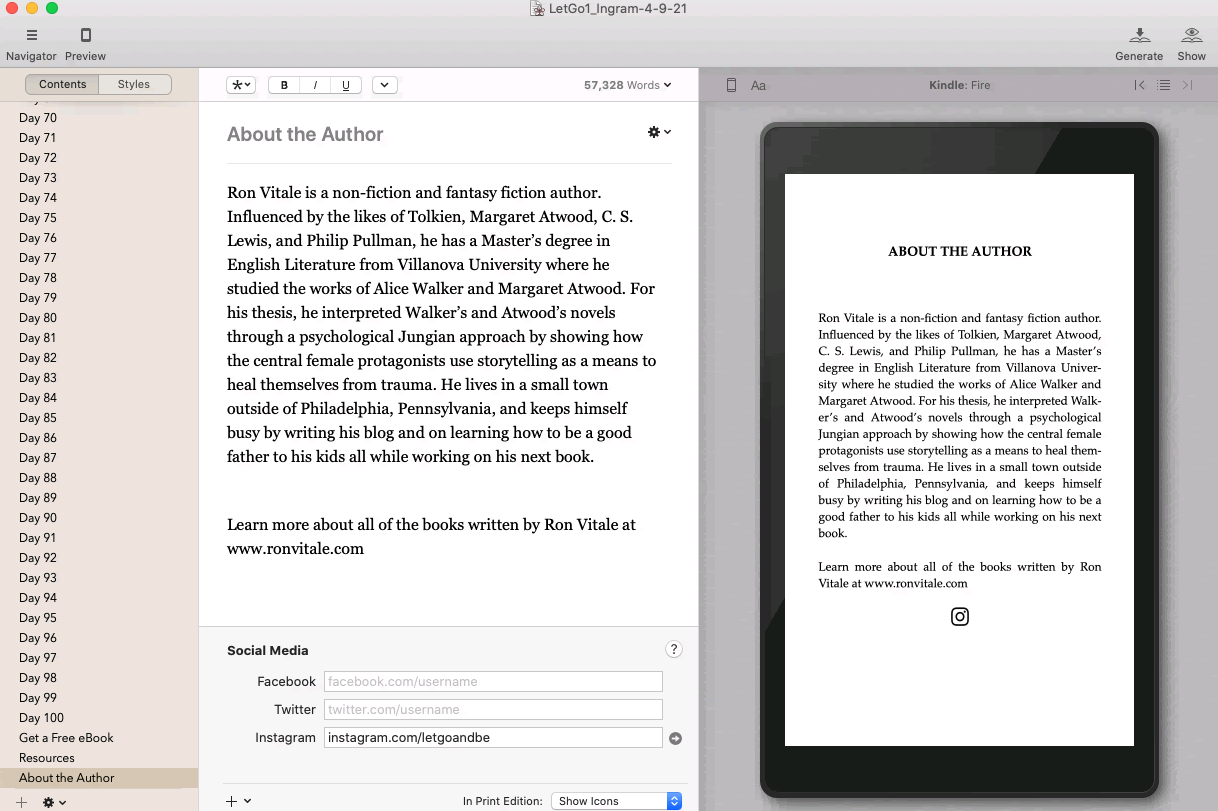
Vellum — Recommended Tool
The formatting tool we use to create beautiful ebooks and print books — no design skills needed.
Try Vellum FreeAffiliate link — we earn a small commission at no cost to you
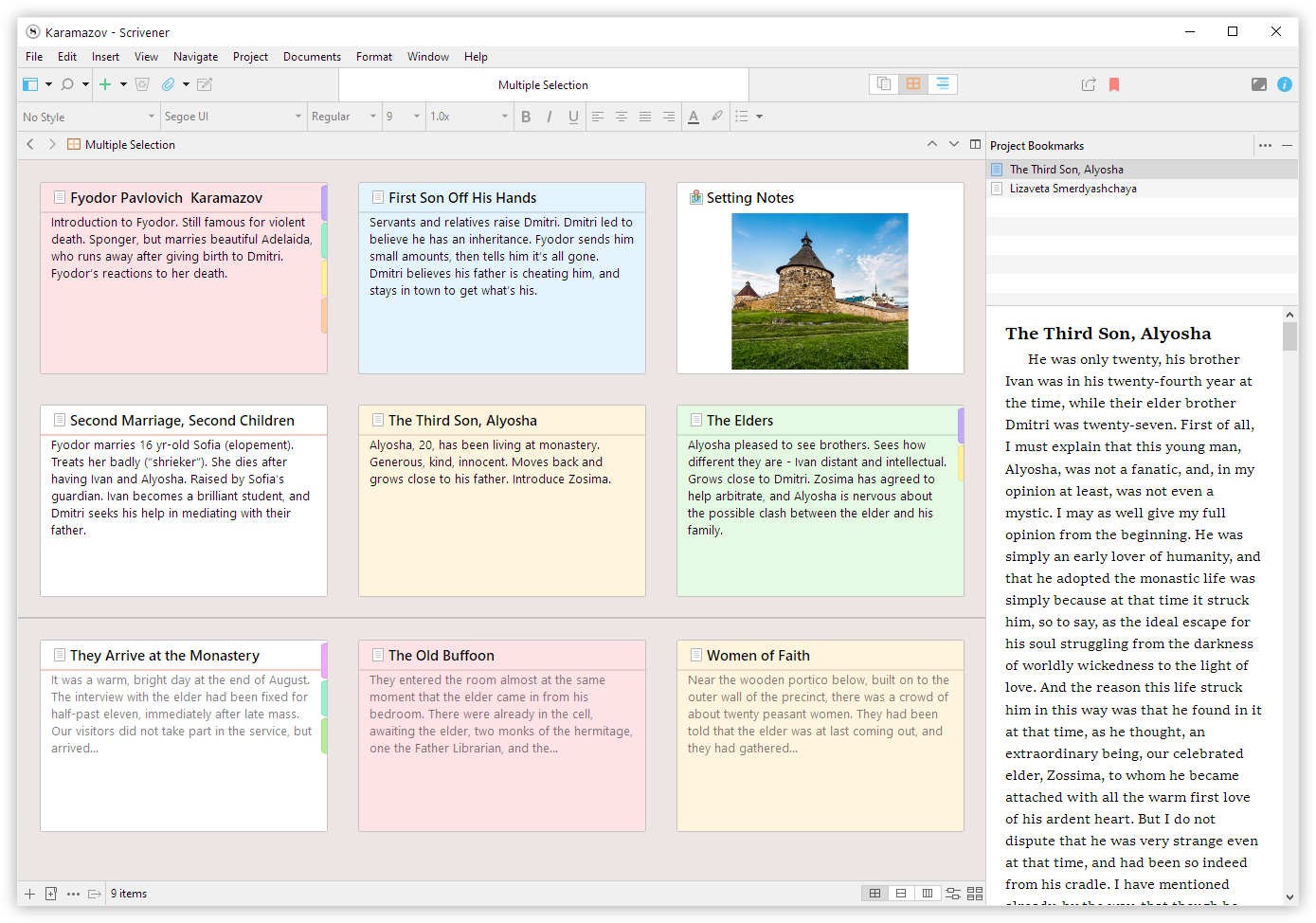
Scrivener — Recommended Tool
The writing app trusted by novelists, screenwriters, and non-fiction authors worldwide.
Get ScrivenerAffiliate link — we earn a small commission at no cost to you
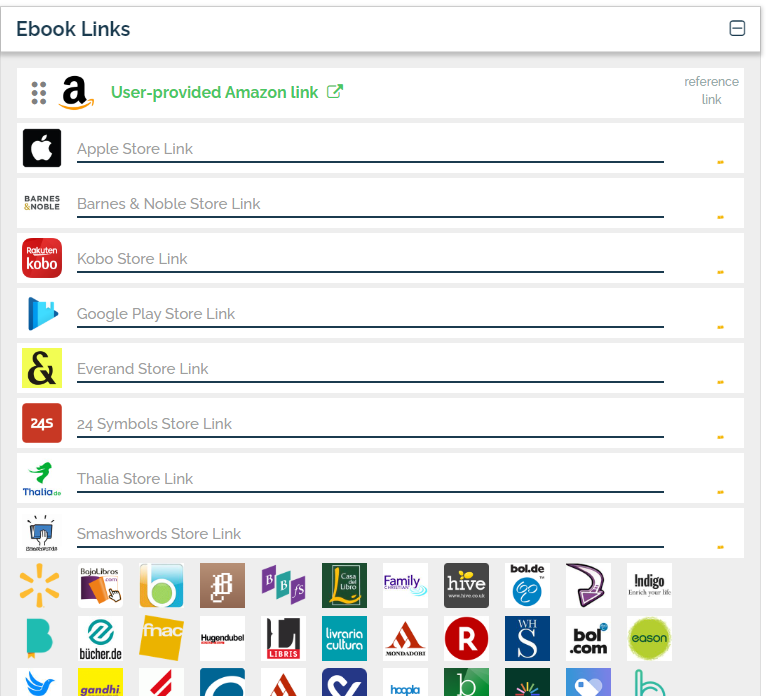
Draft2Digital — Recommended Tool
Distribute your ebook to Amazon, Apple Books, Kobo, and 40+ retailers — completely free.
Start Publishing FreeAffiliate link — we earn a small commission at no cost to you